Split group expenses in seconds
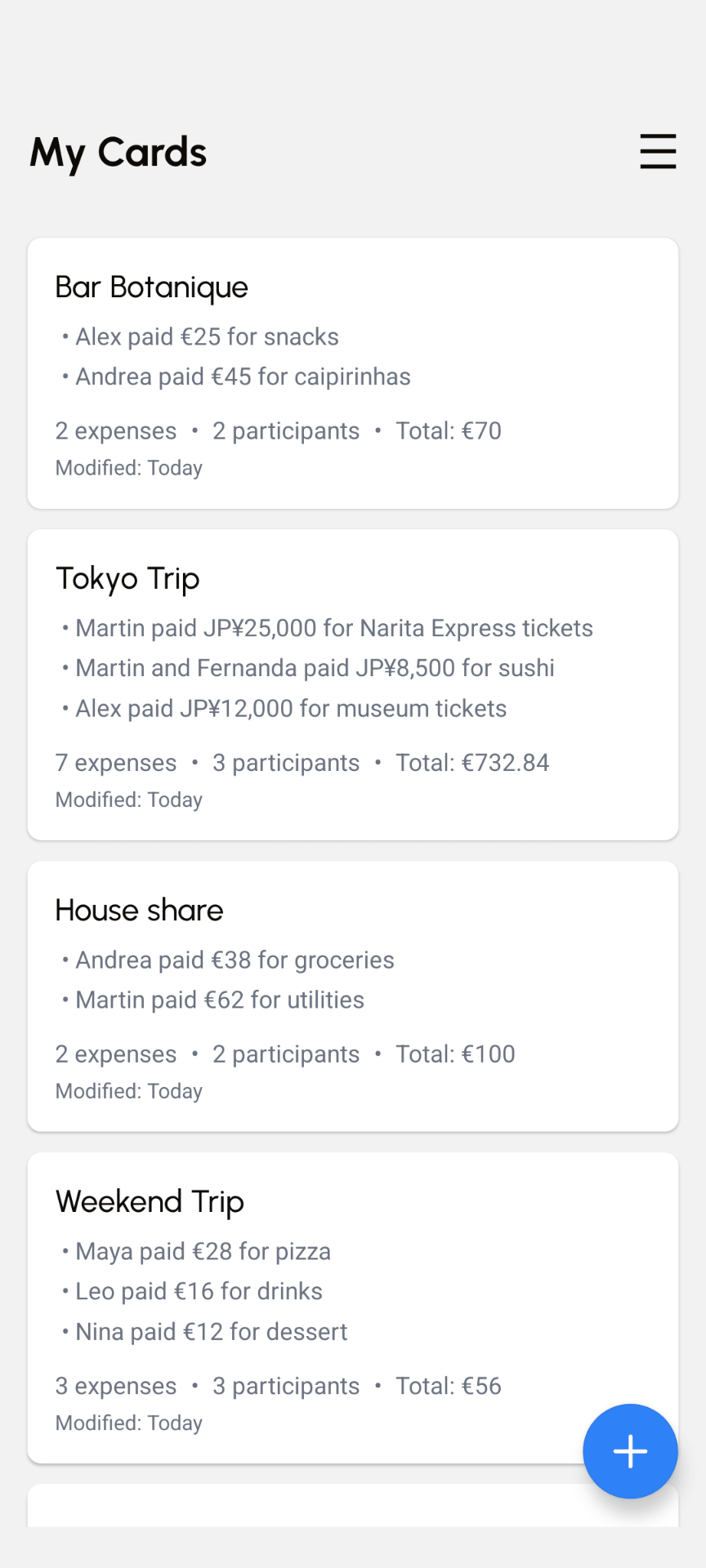
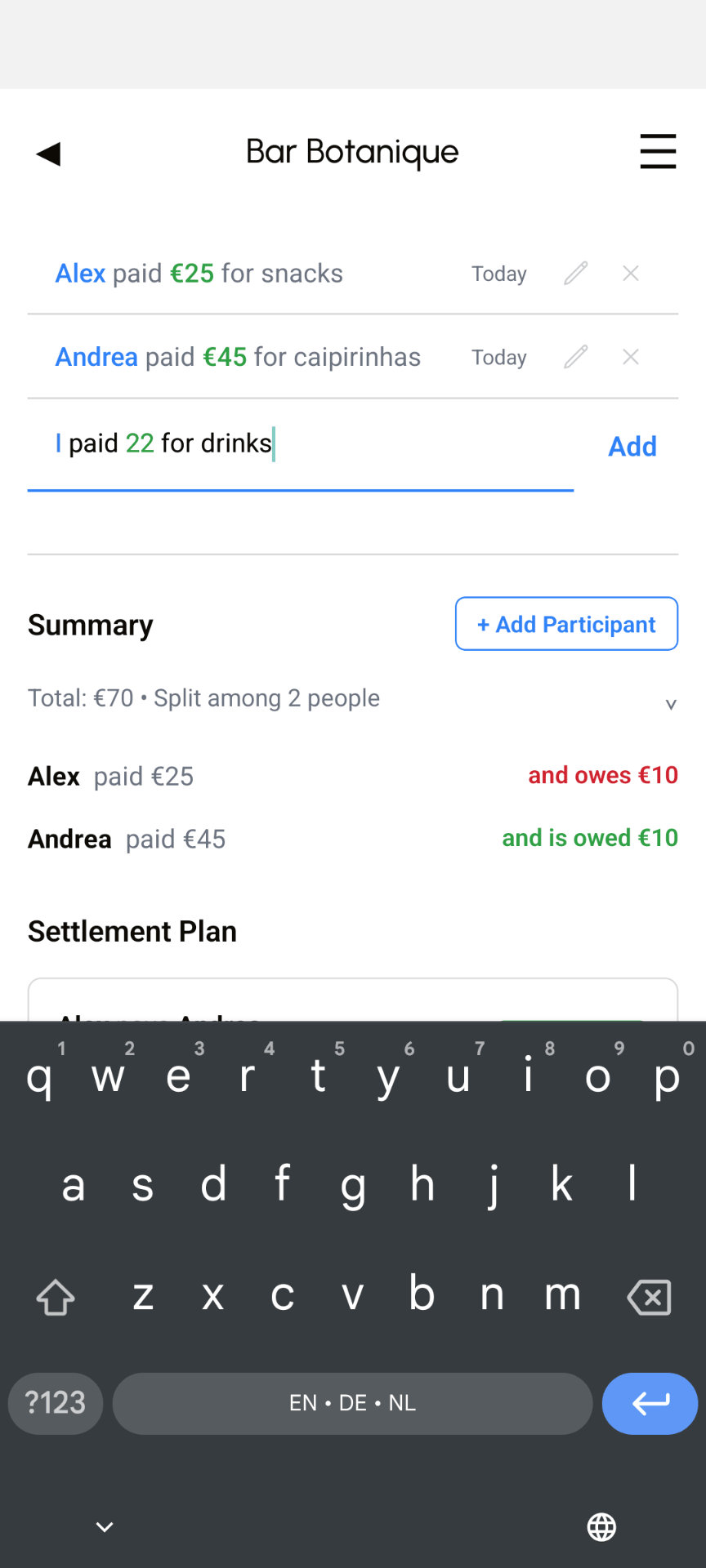
Type naturally (“I paid 45 for dinner”) and you're done. Free to use, works offline, no account required.


How it works
A faster way to split
Create a card
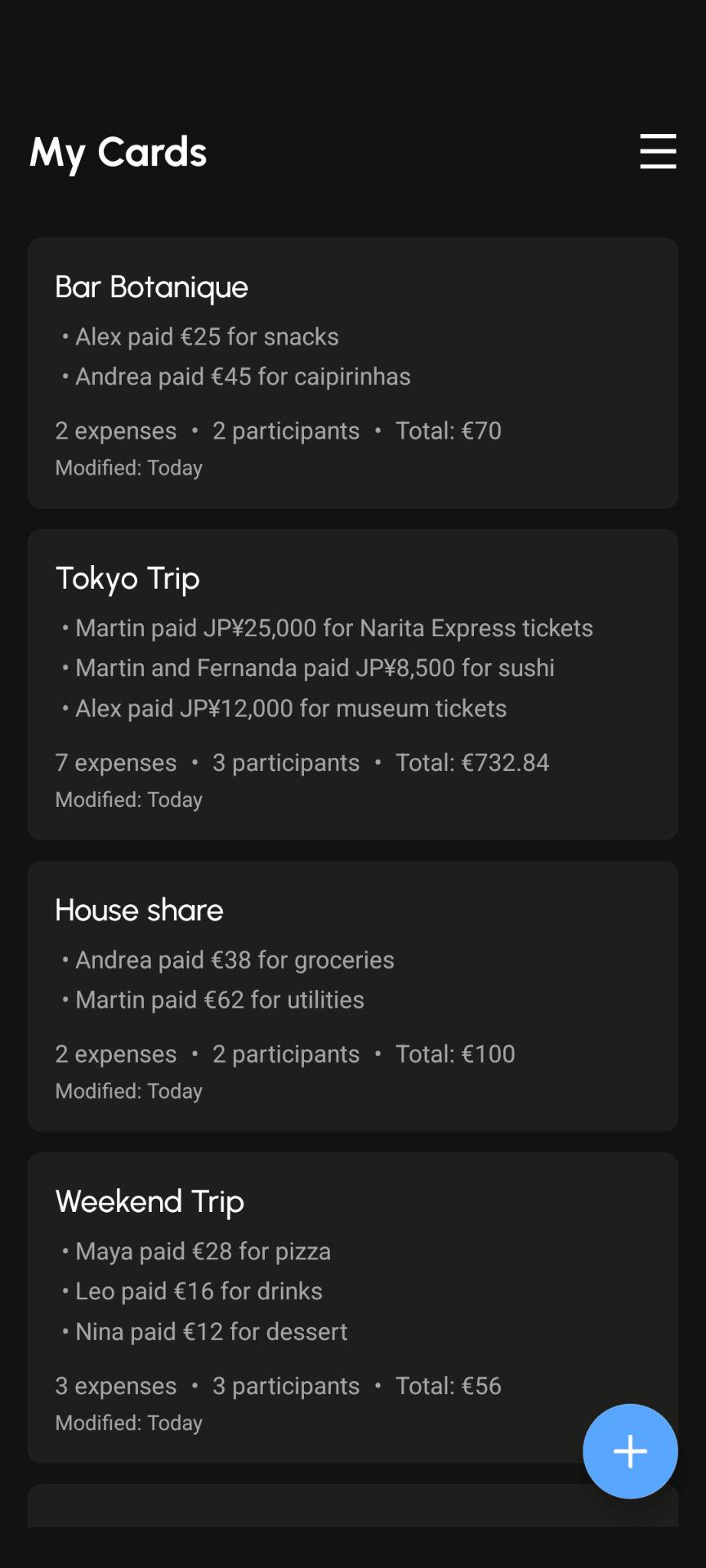
Start a trip, dinner, household, or shared plan in seconds.
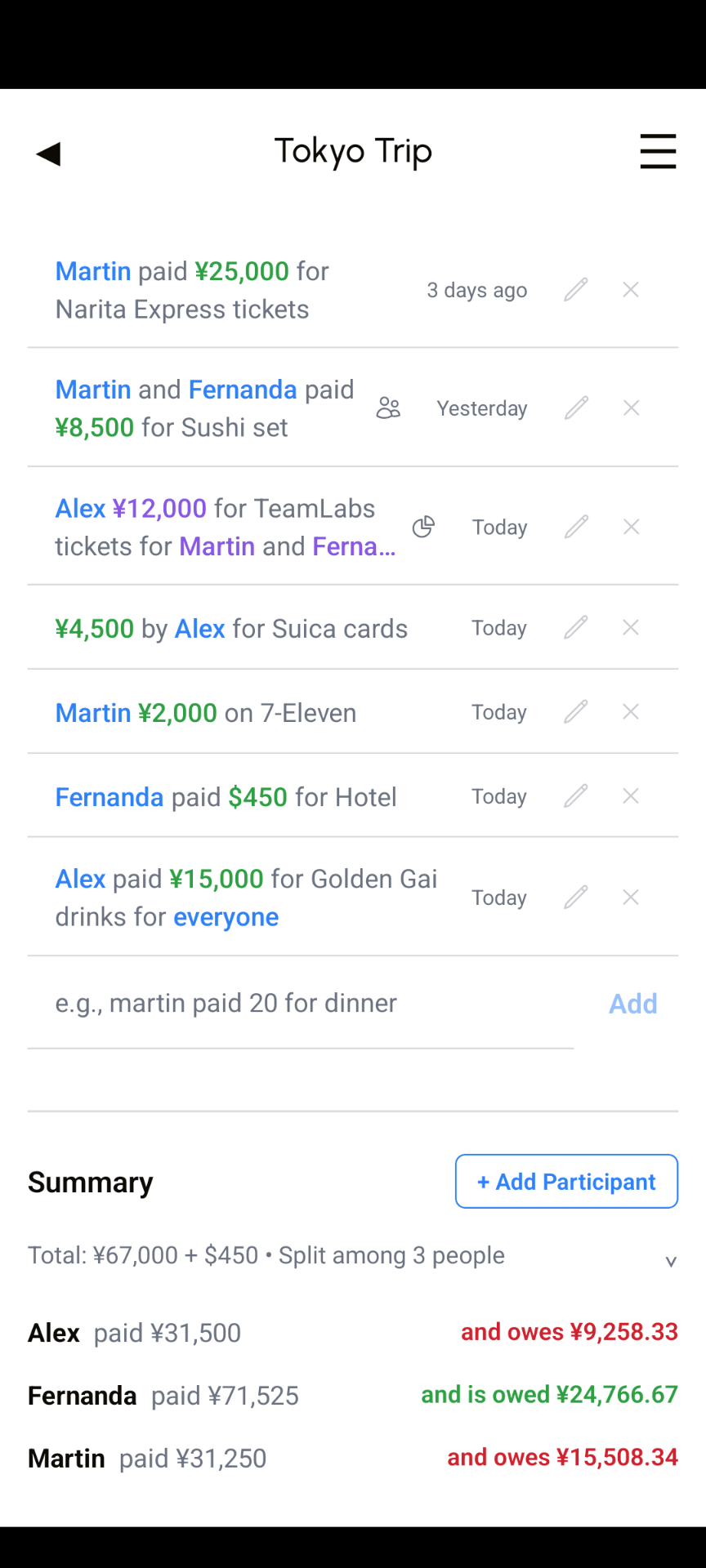
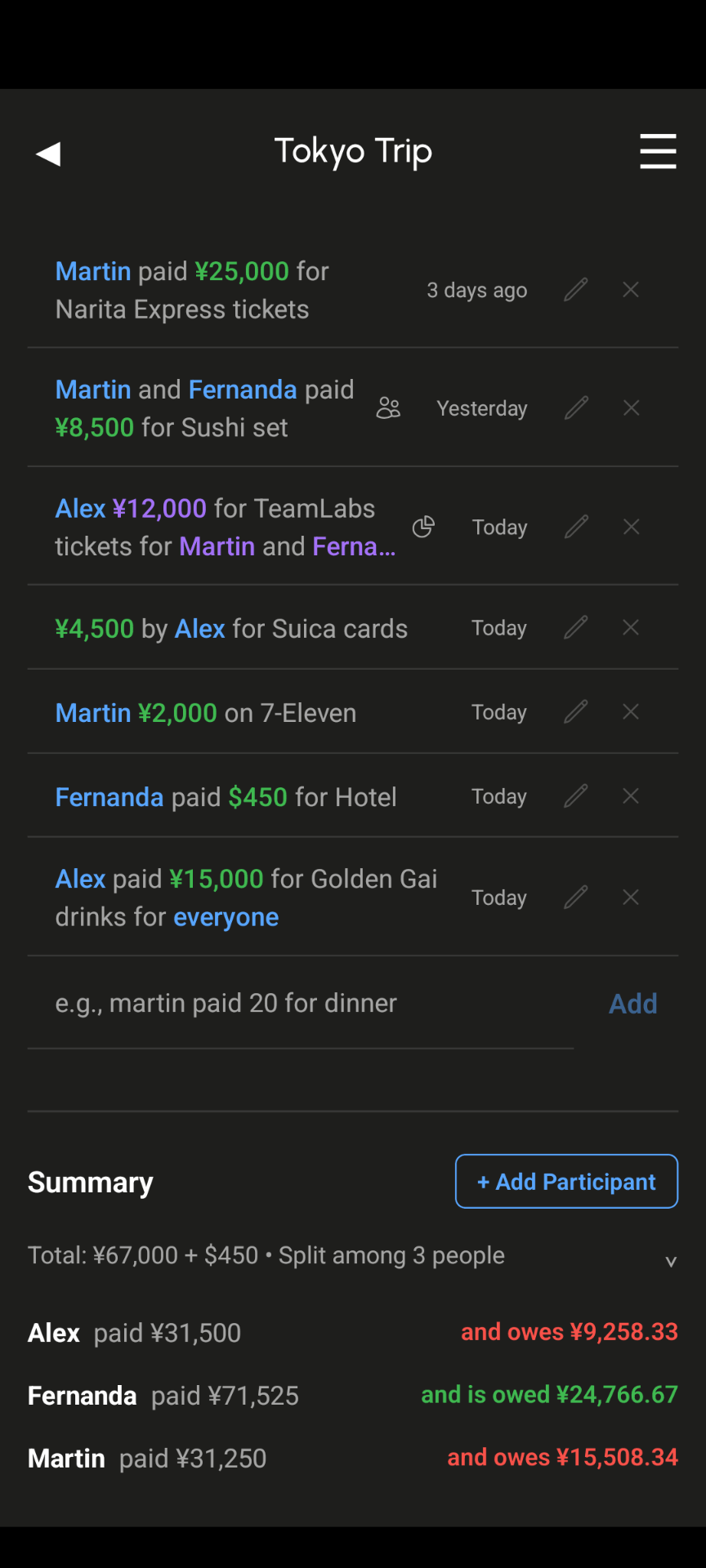
Type expenses naturally
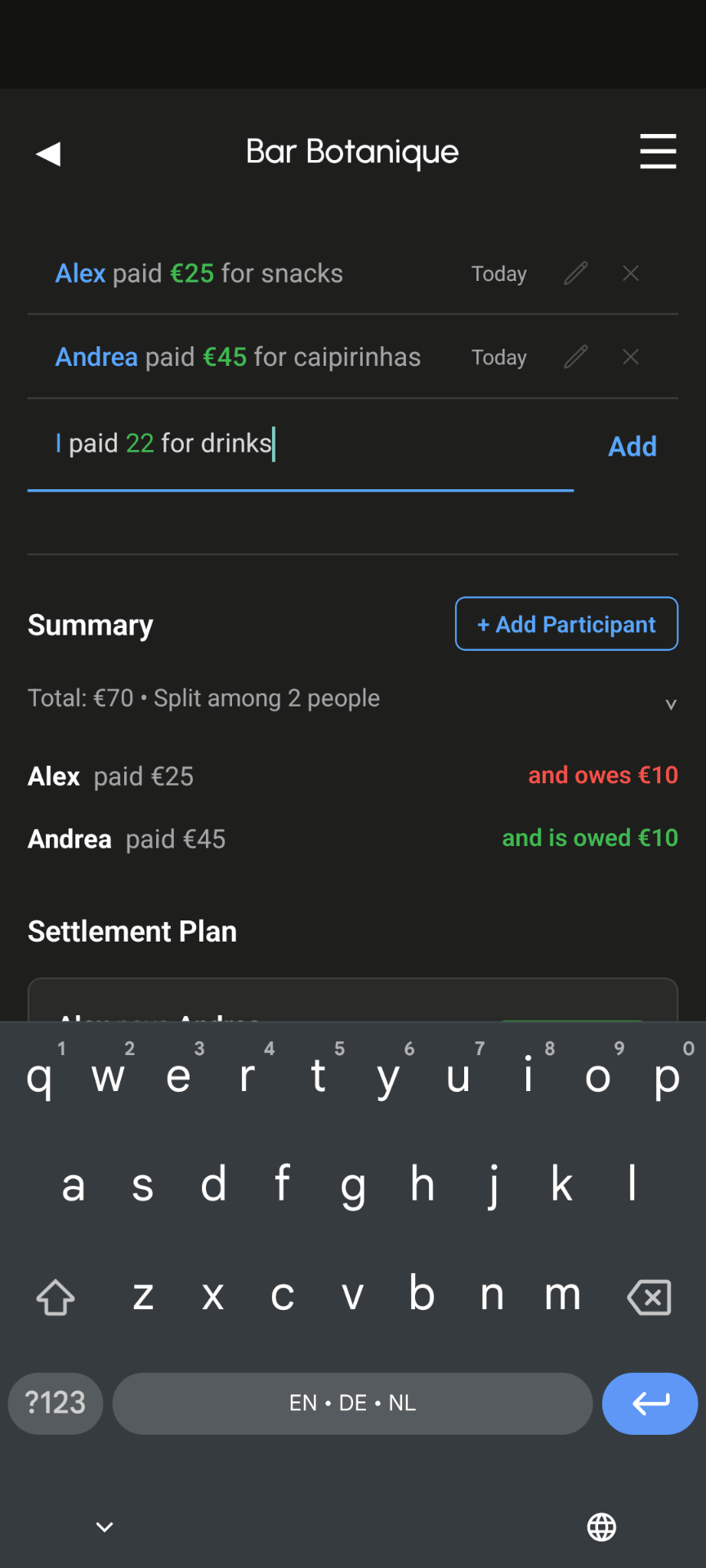
Write things like "Alex paid 45 for dinner" instead of filling out forms.
Settle or share
See balances instantly, export when needed, or turn on cloud sync for shared cards.
Features
Everything you need for shared trips, meals, living
Easy entries, fast results, private data, worldwide use
Natural language input
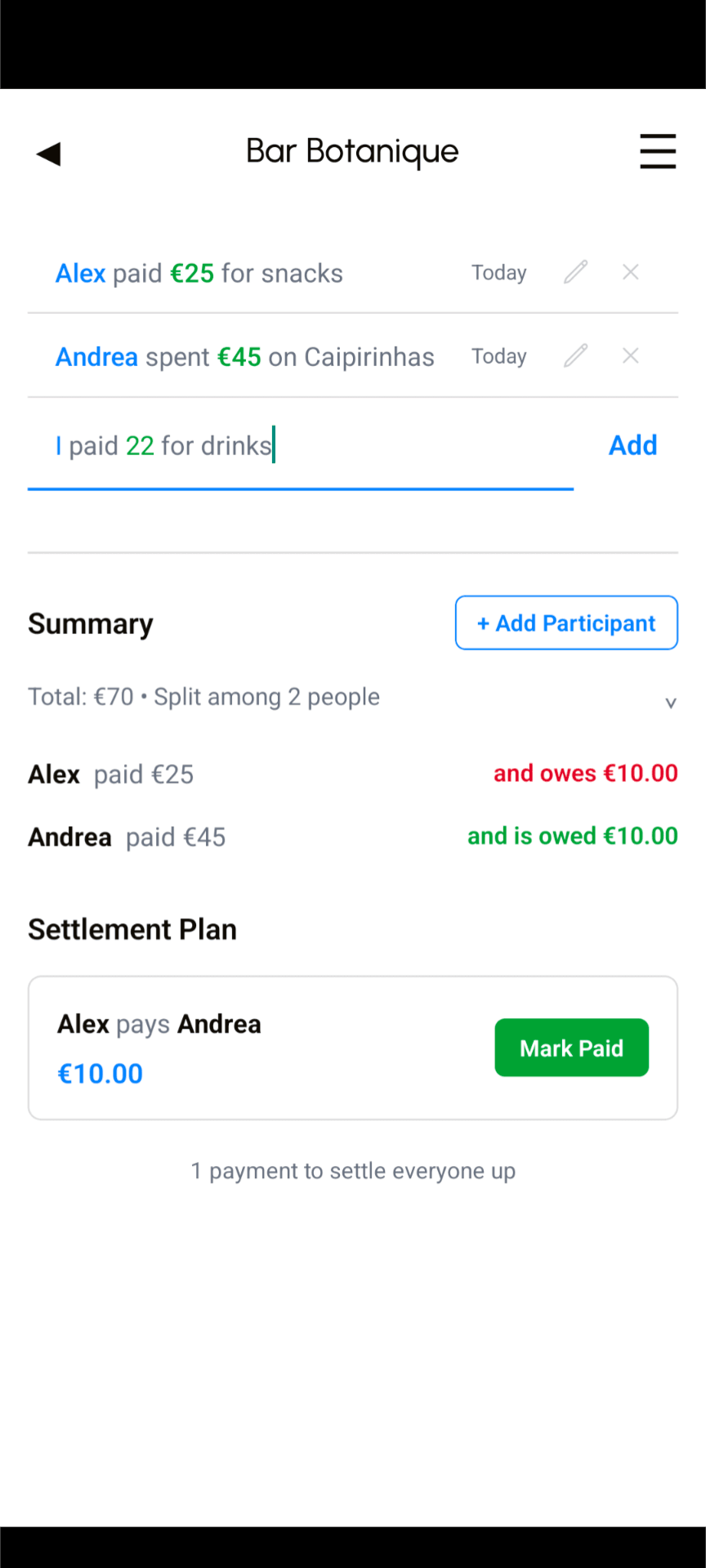
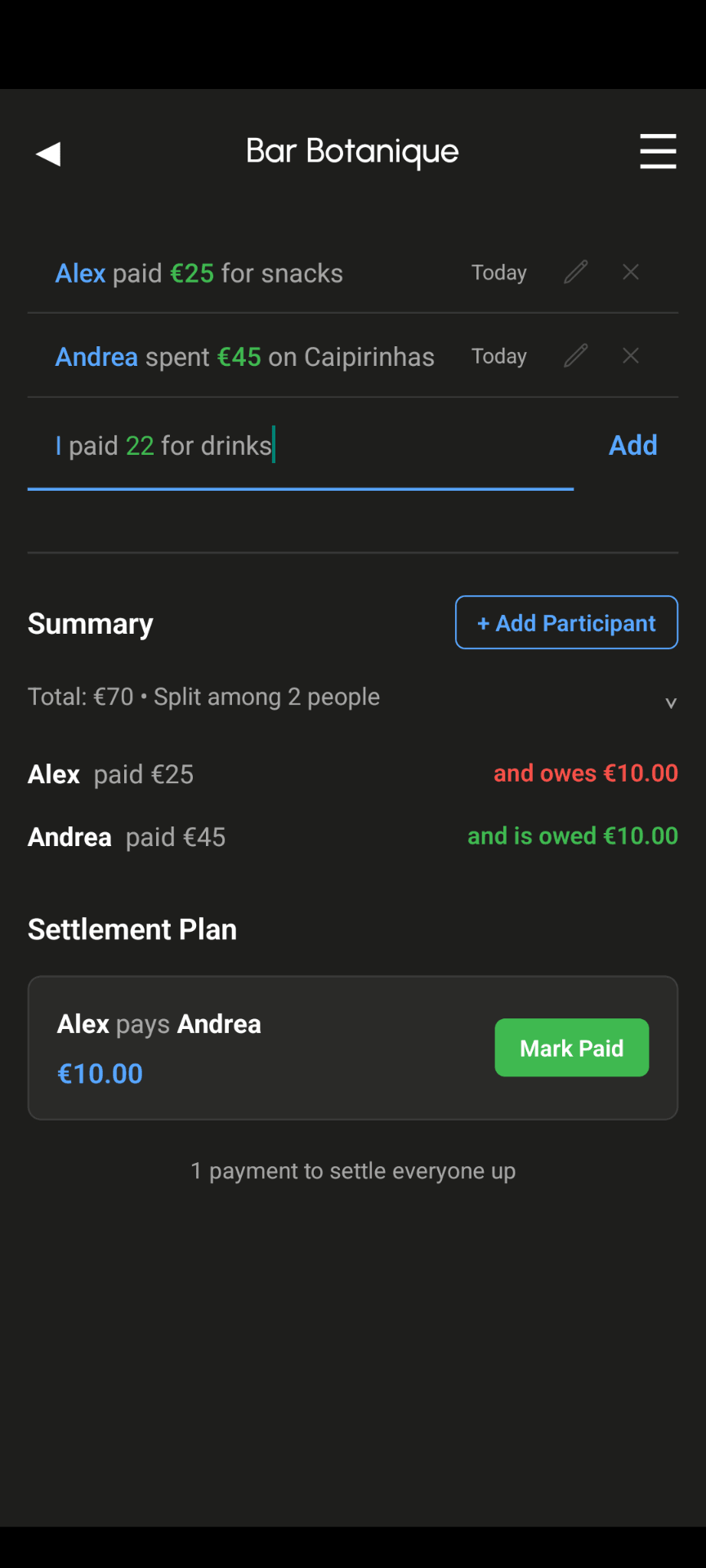
Say it like you mean it. "I paid 45 for dinner" and it understands.
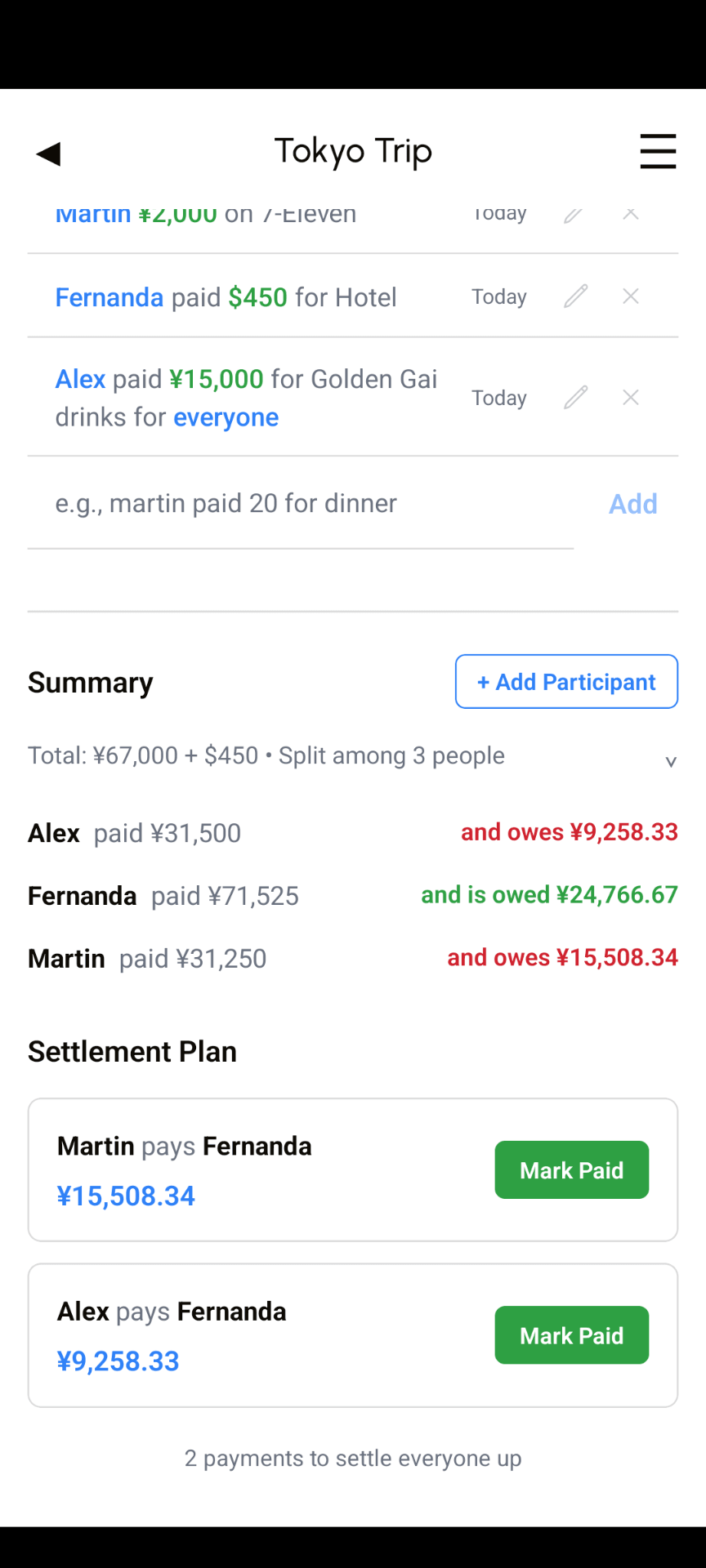
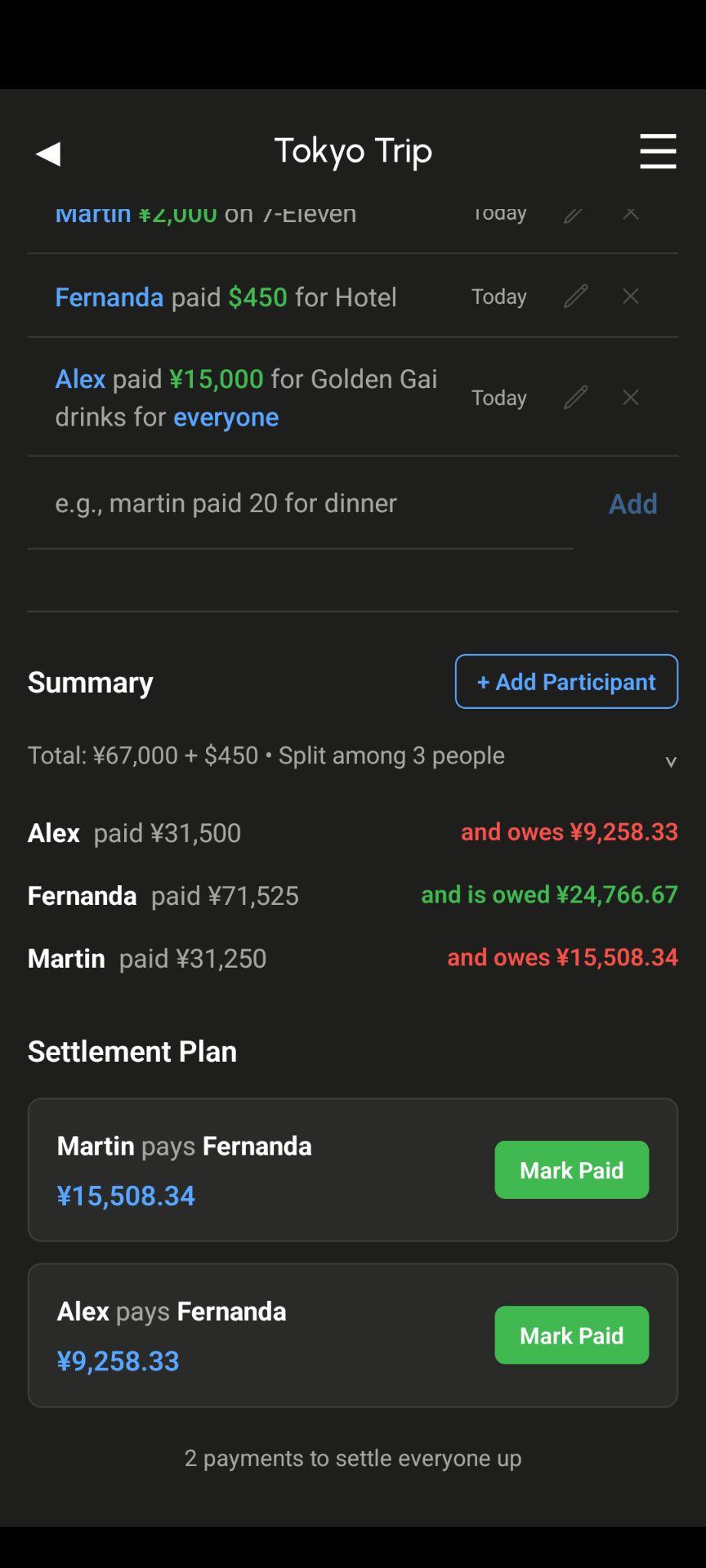
Instant settlement
No waiting. Everyone knows exactly what they owe in seconds.
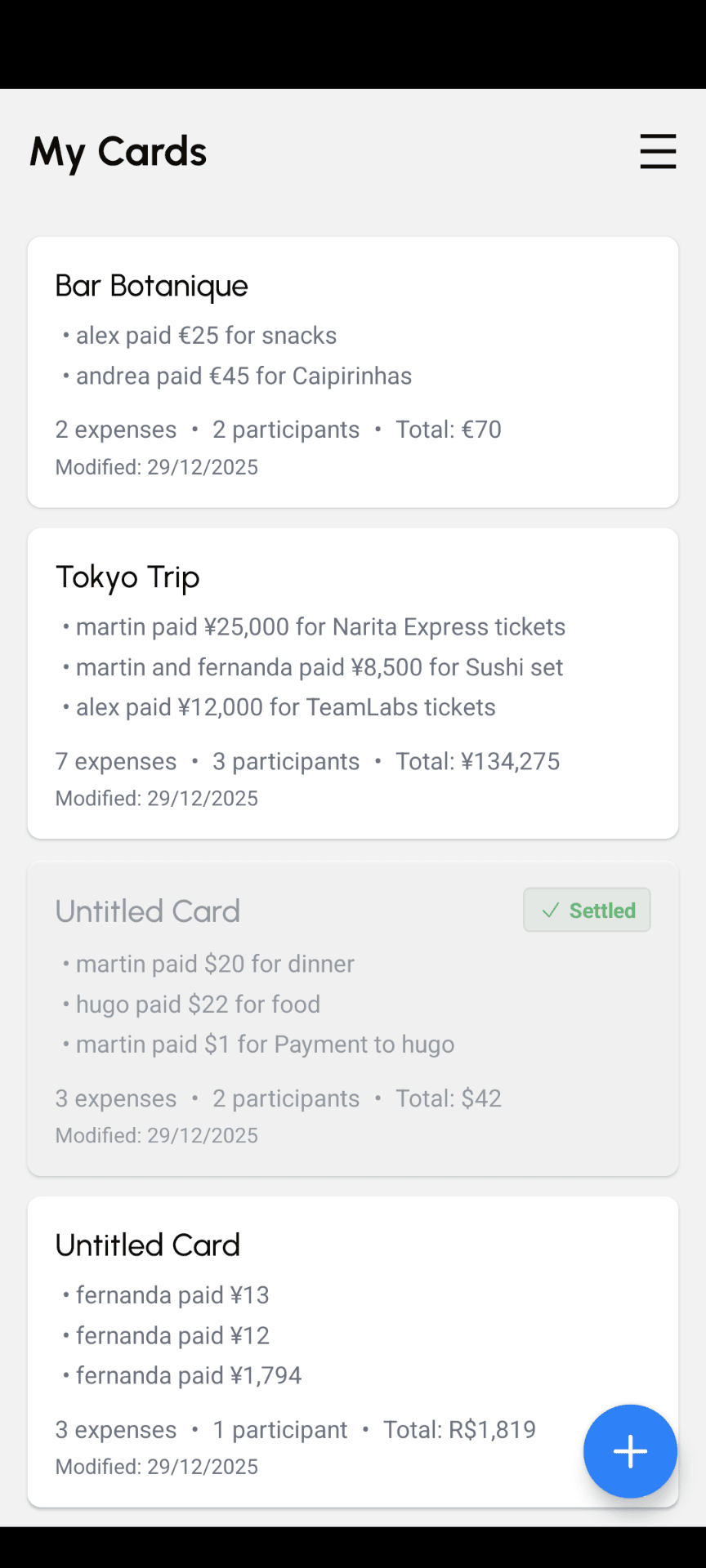
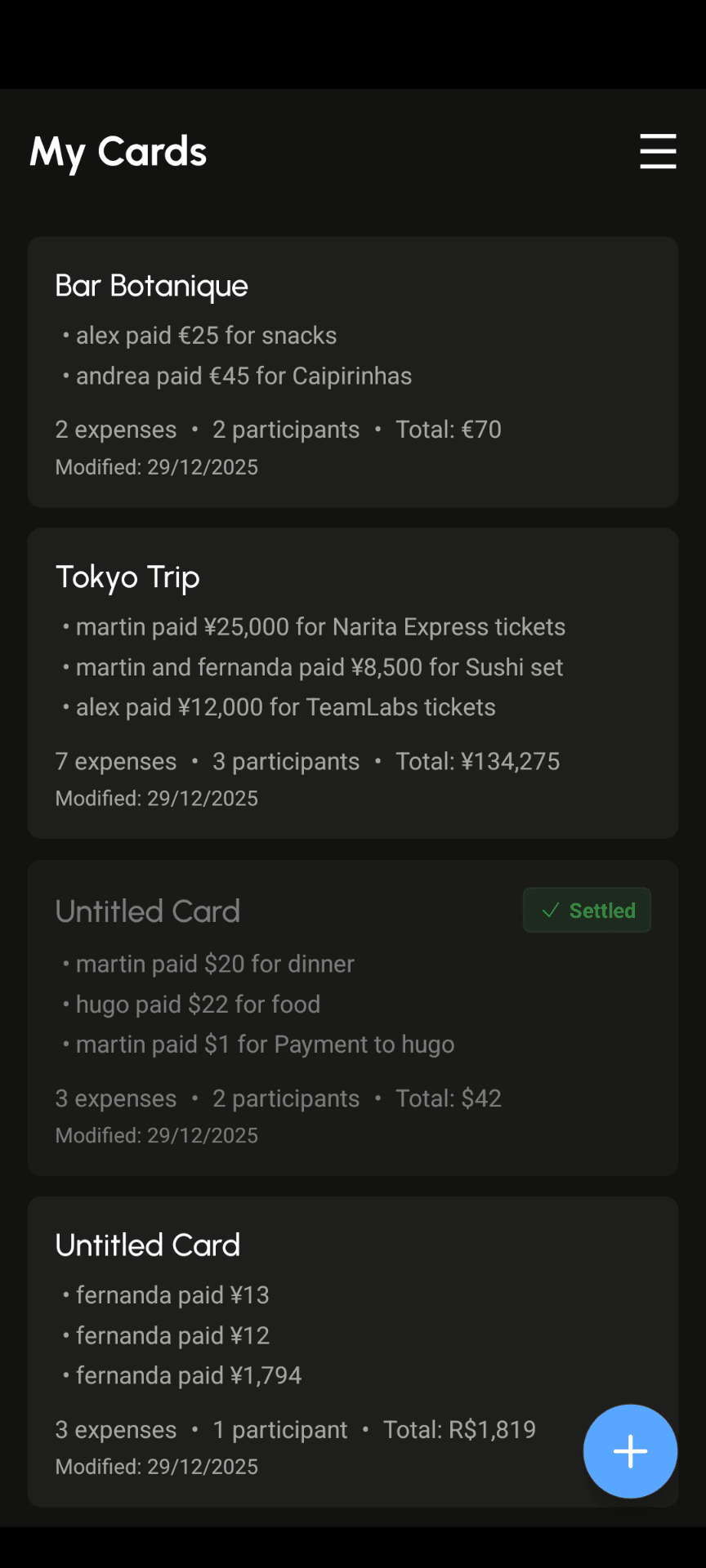
Offline first
Everything works without an account or connection; sync is optional.
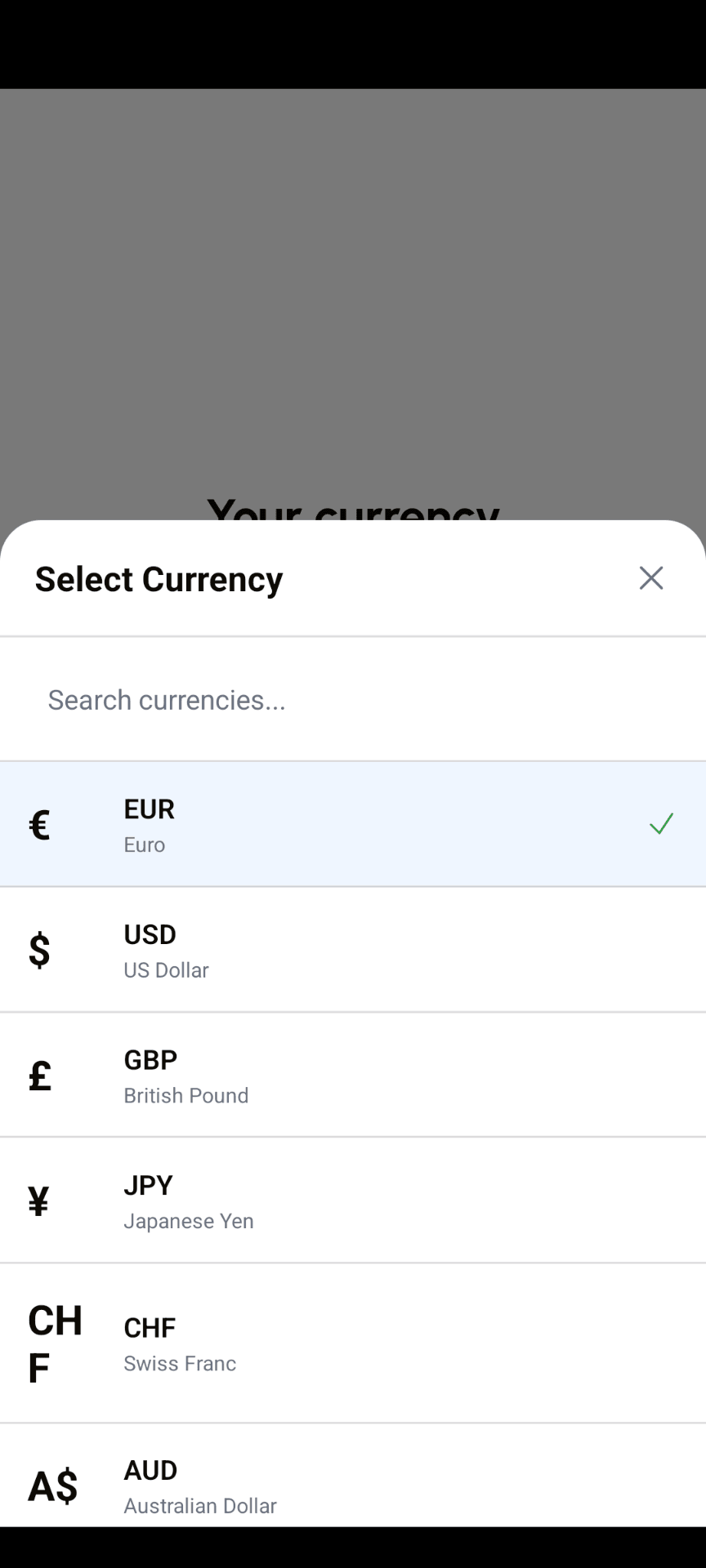
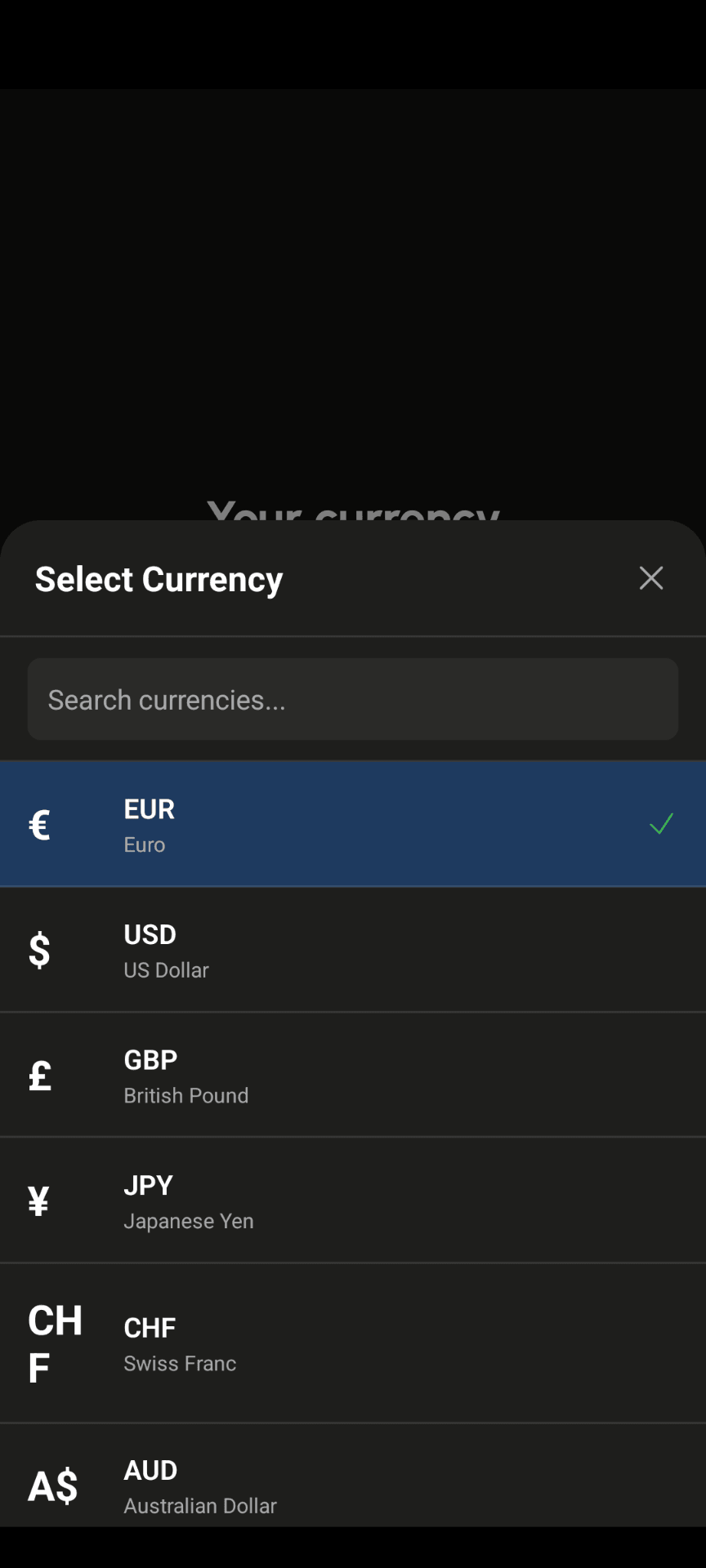
Global currencies
Track trip costs in local currency, then settle in your home currency.
FAQs
Quick answers to common questions about TypeSplit
Is TypeSplit really free?
TypeSplit is free with up to 2 cards, cloud sync for those cards, and CSV/text export. Paid options unlock unlimited cards, PDF export, and expanded collaboration.
How does natural language work?
Simply type your expense like 'Paid 60 for drinks' and our system automatically splits the expense. No manual calculations needed. See the demo card in the App for examples and how to make custom splits.
What currencies are supported?
Over 150 currencies. TypeSplit converts expenses automatically, so you can record costs in local currencies and settle in your home currency. Reference rates are updated daily.
Works on multiple devices?
TypeSplit syncs across iPhone, Android. Start a split on your phone and share it with your friends seamlessly.
Can I export my expense reports?
Yes. CSV and text export is free for all users. PDF export is available with a paid plan. Perfect for personal tracking or sharing with your group.
Can I use it for roommates?
Absolutely. Create a card for your apartment, add shared expenses as they happen, and settle monthly. The running total keeps everything handy in one view.
Do I need an account?
No. Everything works locally on your phone without signing up. If you want to sync across devices or invite others to edit, that's when the optional cloud features come in.
Is my data secure?
Your data stays on your device by default and is not used for anything other than to calculate your split or generate your exports. If you enable cloud sync, encryption protects everything in transit and at rest.
Get TypeSplit today
Download TypeSplit and settle your first expense in seconds.